
July 25, 2026
Rule-Based Automation vs. AI: Which Fits?
Rule-based automation vs. AI: Identify which processes require rules, where models add value, and how to keep operations, control, and costs measurable.
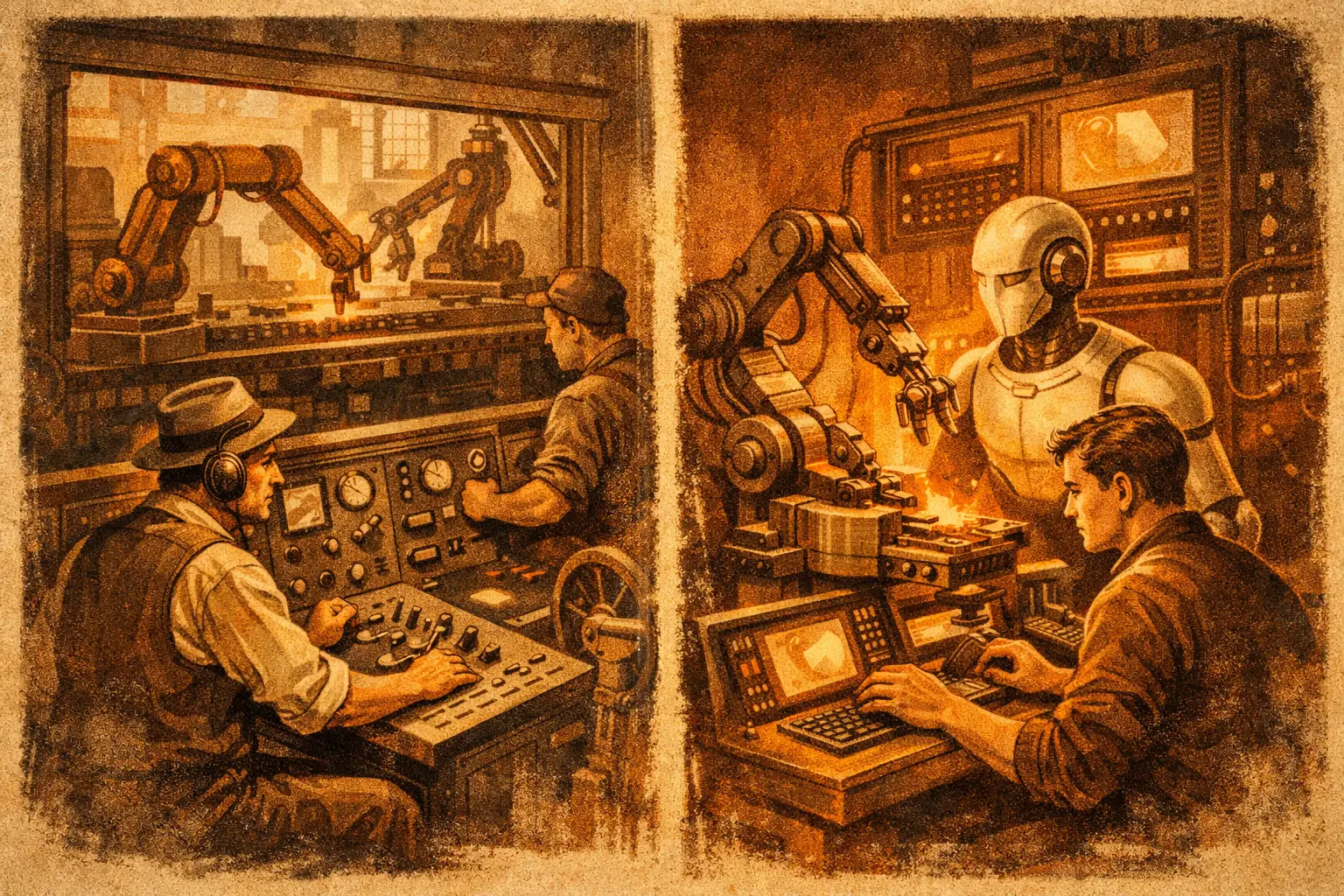
A billing process has run the same way for years. Employees open PDFs, check mandatory fields, match amounts against orders, and flag exceptions for clarification. Then an AI project is launched to “understand” invoices. Within weeks, it delivers usable results for standard cases—but for credit notes, collective invoices, and missing order numbers, the output is inconsistent. The problem isn’t primarily the model. The process never clearly defined which exception belongs where and who decides it within what timeframe.
When comparing rule-based automation vs. AI, the wrong question is often asked. Not: “What’s more modern?” Instead: “Which decision can be clearly described, which requires interpretation—and who is responsible when the case isn’t clear?” Many AI projects fail because of the process, not the model. Without clear inputs, responsibilities, and exception paths, you’re just automating ambiguity faster.
Rule-based automation vs. AI: The difference lies in the decision
Rule-based automation executes a predefined instruction. If an invoice contains an order number, the amount is within a defined tolerance, and the vendor is approved, it’s prepared for booking. If any of these criteria are missing, the case goes to the exception handling queue. The result is consistent for identical inputs. It can be tested, logged, and explained in an audit.
AI is useful where the input isn’t cleanly structured or requires linguistic or visual interpretation. A model can extract invoice numbers, payment terms, and line items from different invoice formats. It can group emails by request type or suggest missing industry information in a CRM based on publicly available data. It delivers probabilities, not guarantees.
The practical difference: Rules decide based on explicit conditions. AI estimates what content likely means based on patterns. Both can work together in a workflow. AI reads an unstructured document, rules then check mandatory fields, amount limits, and approval rights. Only then is it booked, forwarded, or handed off to a human.
This is clearer than the usual “old vs. new” comparison. Good automation rarely consists of just rules or just AI. It separates recognition, decision-making, and execution because these three steps have different failure modes.
Why a model becomes unnecessarily expensive for clear rules
Take the routing of incoming service requests. If customer number, product code, and request type are available as structured fields, no model is needed. A workflow automation can assign the request to the correct team based on a responsibility matrix, set a deadline, and update the status in the CRM. It’s quickly testable: 50 defined test cases yield 50 verifiable results.
If, instead, an AI is asked to guess the responsibility from already structured fields, an additional error source is introduced. The model might misinterpret a shortcut, overlook a special case, or phrase its output differently than expected. You then need prompt versions, hit-rate evaluations, and additional checks—even though a table with clear rules would have sufficed.
The cost isn’t just in the model call. It’s in the operational work: analyzing errors, controlling outputs, tracking exceptions, monitoring interfaces. For a process with fixed criteria, this isn’t operationally pragmatic.
Rule-based automation is particularly suitable when the process has four characteristics: The inputs are structured, the decision is unambiguous, exceptions are limited, and the consequences of an error are high. Typical cases include deadline monitoring, data record reconciliation, approval workflows, payment status notifications, and reconciliation between two systems.
Where AI can make a measurable contribution
AI pays off when a human today reads, sorts, summarizes, or transfers content from different formats. In accounts payable, document processing can extract data from PDFs, scans, and email attachments. In customer service, a Voice Agent can record a request, ask for the customer number, and create a structured case. In sales, CRM enrichment can provide suggestions before your team calls a lead.
The key is measuring the concrete work step. For document processing, three numbers are meaningful: the share of correctly extracted mandatory fields, the rate of cases requiring human rework, and the processing time per case. If 1,000 invoices arrive monthly and 700 are correctly prepared without rework, the benefit is visible. If only 300 are correctly prepared and the review takes longer than before, the process must be adjusted or discontinued.
In regulated processes, the boundaries are tighter. For KYC, KYB, or AML, AI can pre-sort documents, extract data, or flag missing information. However, the decision on a rejection, a suspicious case, or a risk-relevant classification must not end as an uncommented model output in the process. It requires traceable criteria, a documented review step, and a responsible person. For identity proofs, it may also be relevant whether procedures and signatures must be verified within the eIDAS framework. This isn’t just an AI question—it’s about control chains and provability.
The operational approach: First process boundaries, then technology
Don’t start with a tool comparison. Take a single process, such as “incoming invoices until approval” or “support request until assignment,” and trace it end to end. Don’t just note the normal steps. The exceptions show whether the process is truly ready.
First, define the target state in verifiable statements. For example: An invoice with an order number, valid vendor, and deviation under two percent is automatically prepared. If the order number is missing, it’s forwarded to purchasing within one business day. If the deviation exceeds two percent, the booking remains blocked. Such statements can be tested. “The AI should process invoices better” cannot.
Then divide the work. Structured handovers, status changes, and approvals are implemented as rules. Unstructured data like free text, scanned documents, or conversation notes go to a model. Between both steps, checks are needed: Are all mandatory fields present? Is the confidence score above the defined threshold? Does the amount match the order value? If not, human-in-the-loop kicks in.
This human step isn’t a sign that the automation failed. It’s a defined safety level. The key is that employees don’t have to blindly review every output. They only check cases where a rule is violated, information is missing, or the AI falls below its quality threshold. This keeps the work measurable and responsibility clear.
Before going live, the process needs a test set with real variants: standard case, missing field, wrong format, duplicate, special approval, and technical failure. Also check what happens if an API doesn’t respond or a document is unreadable. A process that only works with ideal inputs isn’t reliable.
Operations determine whether the automation lasts
After go-live, the work that’s often left undone begins. Every automation needs monitoring for cycle times, error rates, open exceptions, and interface status. For critical processes, clear uptime and SLA requirements are essential: Who responds to a failure, within what time, and how are backlogged cases processed?
For AI, an additional control point is needed. Regularly check a sample of automatically processed cases and compare the results with human assessment. If document types, language, or input quality change, the hit rate may drop. Then prompts, rules, thresholds, or the workflow are adjusted—not eventually, but based on an agreed interval and a measurable limit.
Changes also need a clean path. New approval limits, additional vendor fields, or modified CRM objects must not be written directly into the running process. First test environment, then approval, then productive change with logging. This prevents surprises—for the business unit, compliance, or finance.
The pragmatic question isn’t whether AI replaces rule-based automation. Ask which parts of your process are unambiguous, which content needs interpretation, and which errors you can’t accept. Build rules for the certain, AI for the ambiguous, and a clear exception path for everything in between. Then automation won’t be a demo—it’ll be a system that runs reliably and has someone operationally responsible for its operation.